
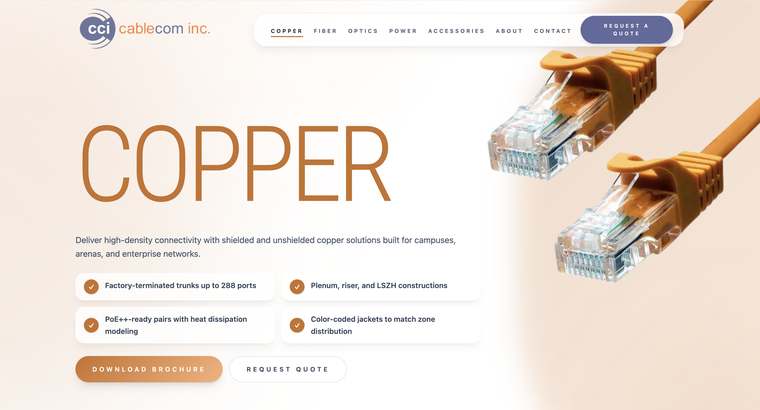
Your homepage does not need to say everything about the business. It needs to help the right visitor answer three questions: Am I in the right place? Can this business help me? What should I do next? A clear section order makes those answers easier to find.
State the customer outcome, explain the service in plain language, add the service area when it matters, and offer one primary action.
Show that you understand why the visitor is looking and what makes the decision difficult.
Introduce the main ways you help and link to complete service pages instead of squeezing every detail onto the homepage.
Use real work, specific testimonials, numbers, credentials, or case studies to support the promise.
Reduce uncertainty by showing what happens after someone reaches out and what the main stages look like.
Repeat the next step with enough context that the visitor knows what will happen after clicking.
Write the opening for a first-time visitor
Avoid opening with a slogan that only makes sense after someone knows the company. Use the headline for the most important benefit or transformation, the supporting line for service and audience details, and the button for a specific action such as “Request a quote” or “See our work.”
Show enough service detail to help someone self-select
Name each core service using familiar language and explain the result in one or two sentences. If a service has different packages, requirements, or audiences, move those details to a dedicated page where the visitor can compare without cluttering the homepage.
Place proof near the claims it supports
A testimonial about responsiveness is strongest near the process. A case study about growth belongs near the service that created it. Real imagery belongs near the experience it demonstrates. Proof works best when the visitor does not have to connect it to a claim several sections away.
- A concise description of what the business does
- Service area or location information where relevant
- Real project, product, team, or location visuals
- A direct route to services, work, about, and contact information
- Answers to the questions that most often delay an inquiry
- A footer with accurate contact and business information